What Most First-Time Users Get Wrong
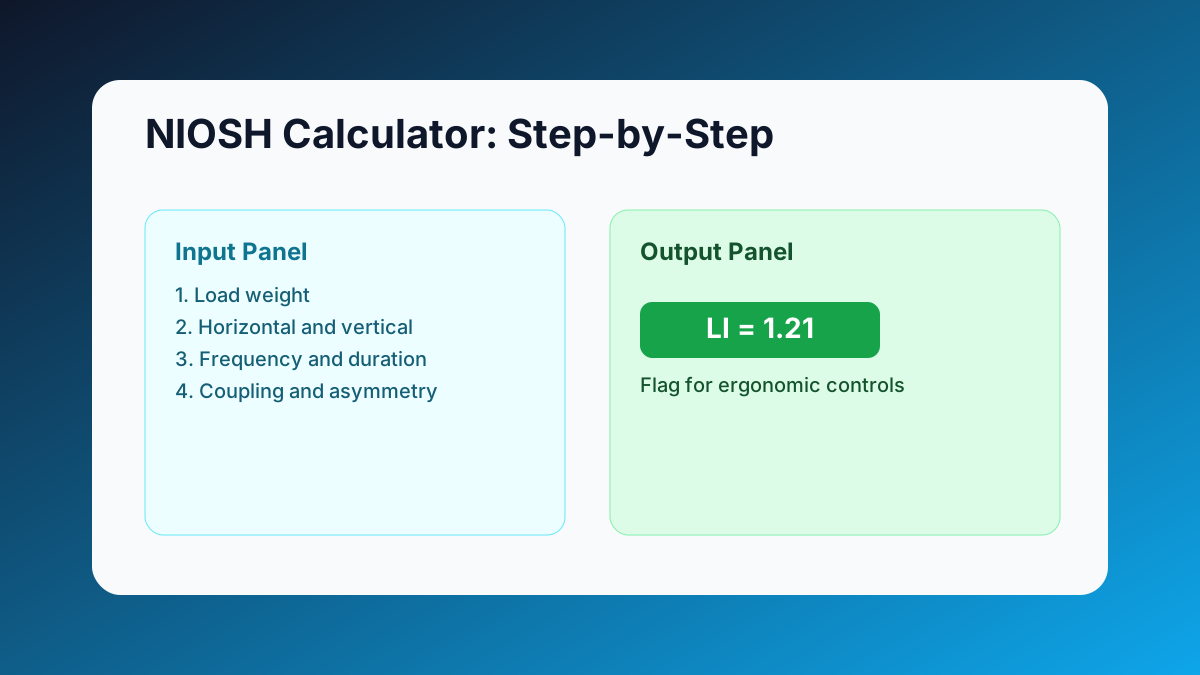
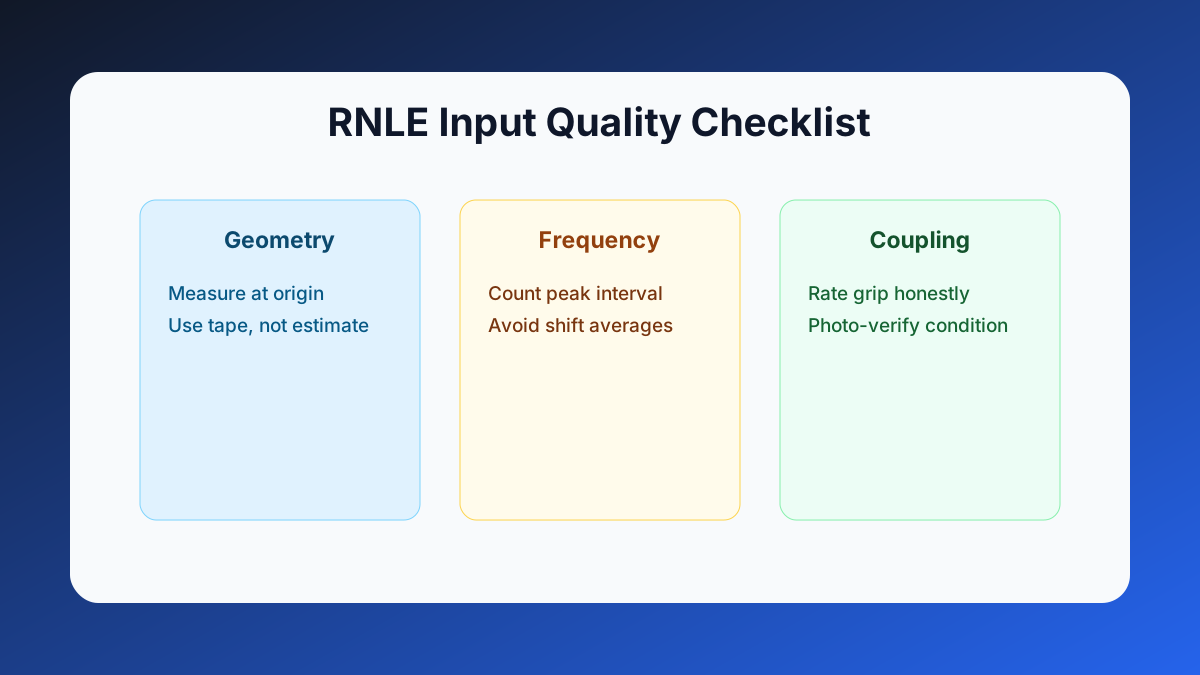
Most errors are simple: estimated instead of measured distances, wrong frequency band, or confusing load origin with destination. Fix those three areas and your LI output becomes much more reliable.
Personal Experience #1: Better Inputs Changed a Purchase Decision
At a packaging site, a supervisor requested a costly lift-assist device. We first reran RNLE with corrected horizontal distance and true peak frequency. LI remained above 1.3, so the device was still justified, but now the case was backed by defensible data.
Pro Tip: Measure at task origin with real worker posture. Measurements taken from a staged photo often understate risk.
6-Step Calculator Playbook
- Capture load weight and verify the heaviest regular lift.
- Measure horizontal reach from ankles to hands at lift start.
- Measure vertical start height and total vertical travel distance.
- Record twist angle and coupling quality conservatively.
- Enter peak lift frequency and duration block.
- Run the task in the NIOSH Calculator and log the resulting LI.
| Input Field | Most common mistake | Fast verification | Impact on LI |
|---|---|---|---|
| Horizontal distance | Estimated by eye | Tape measure at origin | High |
| Frequency | Shift average used | Count peak 15-minute block | Medium |
| Coupling quality | Always marked fair | Photo check and handle test | Medium to High |
Personal Experience #2: A Small Frequency Error Doubled Risk
A junior assessor entered six lifts per minute from a quiet period. Peak observation was actually 11 lifts per minute. Correcting that single input moved LI from acceptable to urgent and changed the control plan immediately.
Pro Tip: If LI is near 1.0, remeasure all geometry once before approval. Borderline tasks are where hidden errors create the biggest blind spots.
Personal Experience #3: Better Logs Improved Follow-Through
The best adoption jump I saw came from pairing each RNLE result with a short action note. Teams used the same note format in shift handover, and corrective actions were implemented faster.
From Calculator Result to Real Risk Reduction
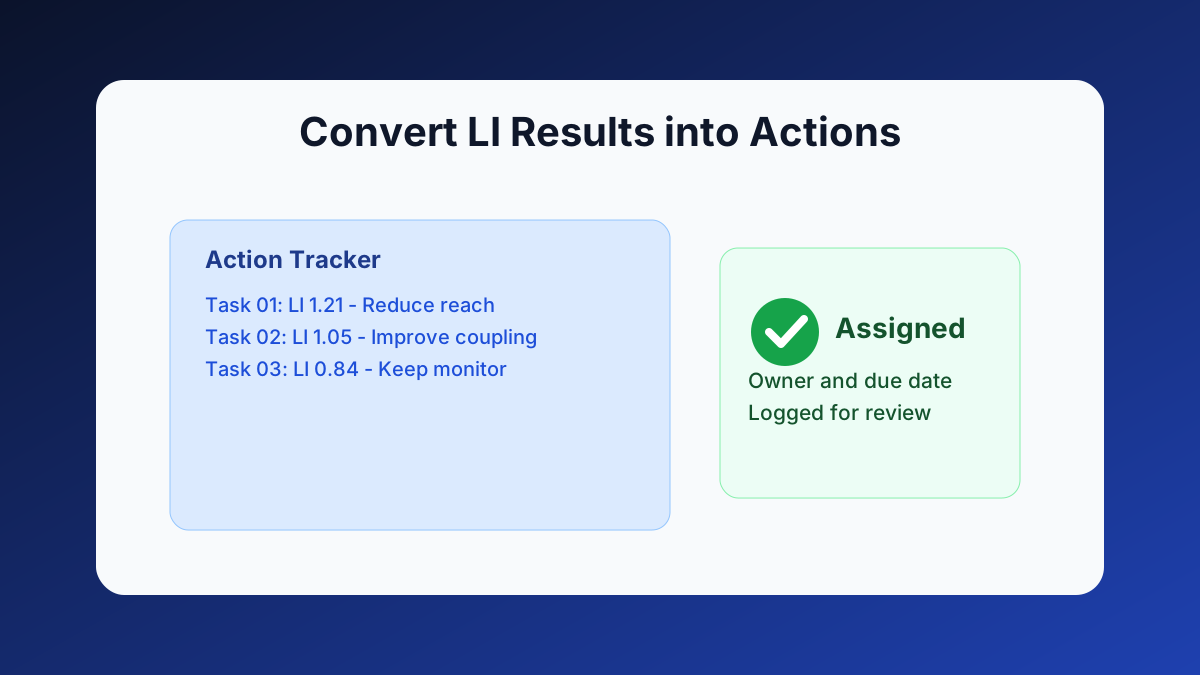
The calculator is the start, not the finish. Turn each LI result into one clear control action and one documented owner.
Keep your evidence flow clean with the same log discipline used in your daily monitoring records.
Need a clean lift-risk baseline this week?
Run your first high-frequency task now, then comment with your hardest lift case for a practical review.
Open NIOSH CalculatorMeta Description (140 chars): Follow this 6-step NIOSH calculator playbook to enter clean data, read LI correctly, and turn lift findings into safer actions quickly, now.